
Typeform is arguably the most beloved and popular tool for building online forms and surveys. Its easy-to-use drag-and-drop functionality, conditional logic, and other features have endeared thousands of users to it.
However, after trying Typeform, you may not have understood what the hype was all about. Whatever the reason may be, you just felt that the form building tool wasn’t for you.
There’s nothing wrong with not liking Typeform because this just means you’re looking for another online form builder to your liking.
In this post, we’ll delve into the different Typeform alternatives to help you decide which among these form builders is the right one for you.
In this article
- Typeform Alternative #1: Woorise
- Typeform Alternative #2: JotForm
- Typeform Alternative #3: FormStack
- Typeform Alternative #4: SurveyMonkey
- Typeform Alternative #5: Conversational Forms by WPForms
- Typeform Alternative #6: Process Street Form Automation
- Typeform Alternative #7: ProProfs Quiz Maker
- Typeform Alternative #8: Google Forms
- Typeform Alternative #9: Wufoo
- Which among the Best TypeForm Alternatives is for You?
Typeform Alternative #1: Woorise
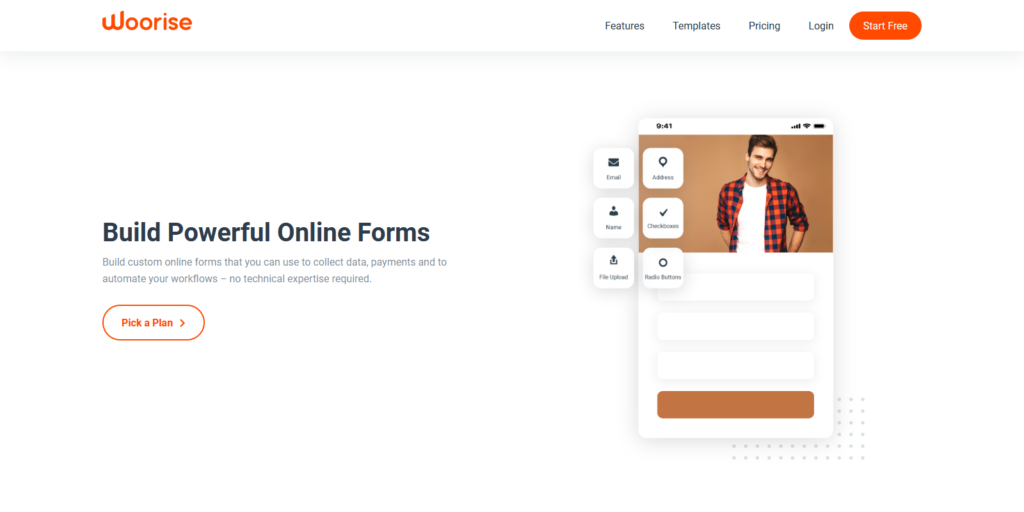
At its core, Woorise is a tool for launching viral giveaways and contests to help users grow their online audience faster.
A way of doing this is by creating simple or advanced forms and surveys for collecting data and gaining insights into the minds of your customers.
Choose from well-designed templates and edit using its drag-and-drop builder to launch mobile-friendly surveys, quizzes, and forms.
To understand how your online surveys and forms are faring, jump into the tool’s analytics to see the number of responses and overall performance of each.
Using its drag-and-drop builder, Woorise also lets you create landing pages to help maximize your marketing campaigns. You can also choose from a variety of templates so you don’t have to design from scratch or just follow the best landing page examples to get you started.
Of course, you can reach out to your audience more effectively using Woorise’s rewards and refer-a-friend campaigns. Its 1-click pick winner and instant redeem rewards make managing your contests and giveaways much easier.
Given its breadth of features, Woorise is so much more than just a Typeform alternative!
Typeform Alternative #2: JotForm
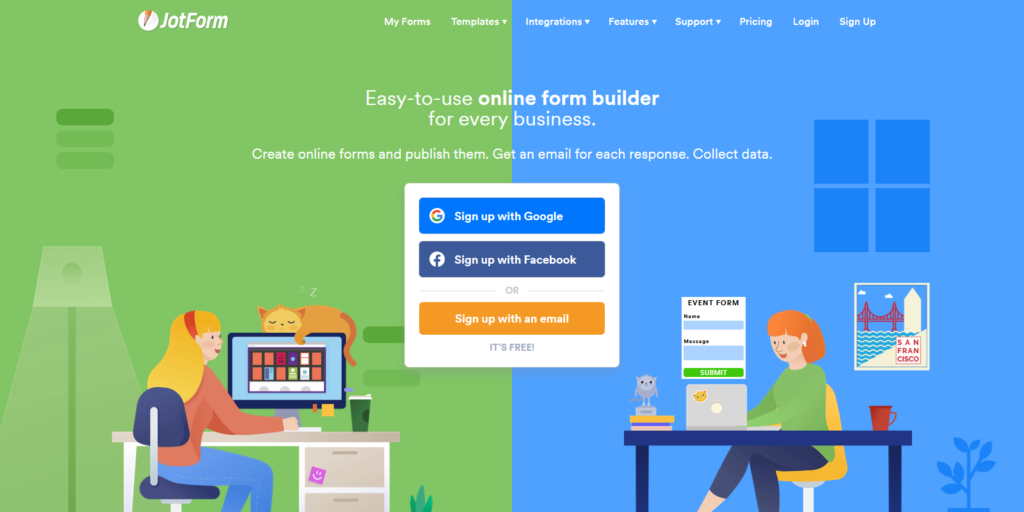
If you’re looking for a Typeform alternative that lets you design forms at will, Jotform is it.
Select from over 10,000 online form templates organized into different types and edit them using its intuitive builder. Embed the forms on your site and start gathering user data.
To help supercharge your forms, you can sync them up with over a hundred popular apps to help improve your workflow.
For instance, if you want to collect payments from your forms, integrate JotForm with PayPal, Authorize.net, ClickBank, and other processors.
For those collecting user data to include in their sales funnel, you can connect your forms with MailChimp, Hubspot, Aweber, and others. By setting it up properly, you can automatically send them email campaigns that will eventually turn them into buyers.
Finally, you can funnel the data collected by your forms to Google Sheets, Zapier, Trello, and others. Doing so eliminates the need to manually export the data and upload them to your tech stack one by one.
Typeform Alternative #3: FormStack
Creating forms is just one of the many things FormStack can do for your business.
The platform lets you focus on getting things done faster and better by turning data into beautifully designed documents and collecting eSignatures from clients and customers.
But as a Typeform alternative, Formstack’s form builder helps you come up with professionally made forms without entering a line of code.
You can easily personalize the form experience by using conditional logic. The form shows fields depending on what the respondents entered earlier.
The great thing about Formstack is the ability to create 508 compliant forms. This makes accessing the form much easier for PWD.
Finally, Formstack employs various security measures such as 256-bit SSL, encryption, password protection, and HIPAA compliant data collection. Therefore, you can be sure that your forms are in good hands and won’t compromise your business.
Typeform Alternative #4: SurveyMonkey
Some may not consider SurveyMonkey as a Typeform alternative because it lets you create surveys instead of forms. But if you don’t enjoy creating surveys using Typeform, this platform should be right up your alley.
SurveyMonkey has sworn by online forms as its calling card. It provides you with all the tools to engage not only with your audience but also employees.
To fully understand how your business impacts your customers, you can ask them to participate in your surveys, quizzes, and polls. Their responses should help you gain a deeper understanding of how they feel towards your brand and find ways to improve their sentiment.
If you manage a team, you can also use its forms to gather feedback on how to make work much better for both parties. Use this opportunity to find out if they’re satisfied with their jobs and find out what you could do to motivate them.
Finally, conduct market research by sending out surveys to your audience. Use their feedback to help you make the product you’re developing for them much better.
Typeform Alternative #5: Conversational Forms by WPForms
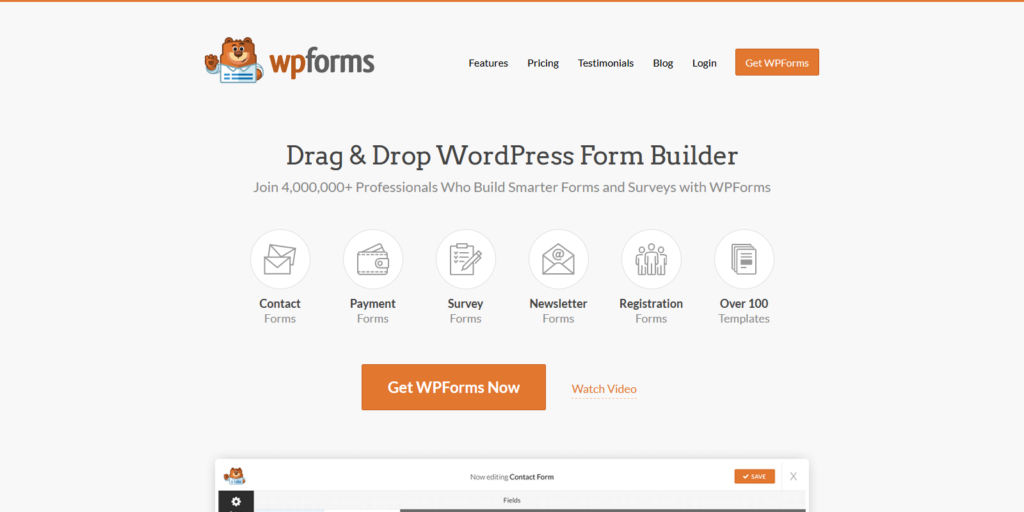
You can create forms with a few clicks of a button. Just choose a template according to type and edit it as you see fit before embedding it on a page of your site.
What makes WPForms powerful are the various add-ons you can install. One of them is the Conversational Forms add-on.
Most online forms feel dry and robotic. As a result, it’s possible that they don’t have very good completion rates.
Using the Conversational Forms add-on makes your forms look and feel more personal. The questions appear one at a time – you can only see the next question once you’ve finished the first one.
Other add-ons you can use include form abandonment, surveys and polls, signatures, post submissions, and more.
Typeform Alternative #6: Process Street Form Automation
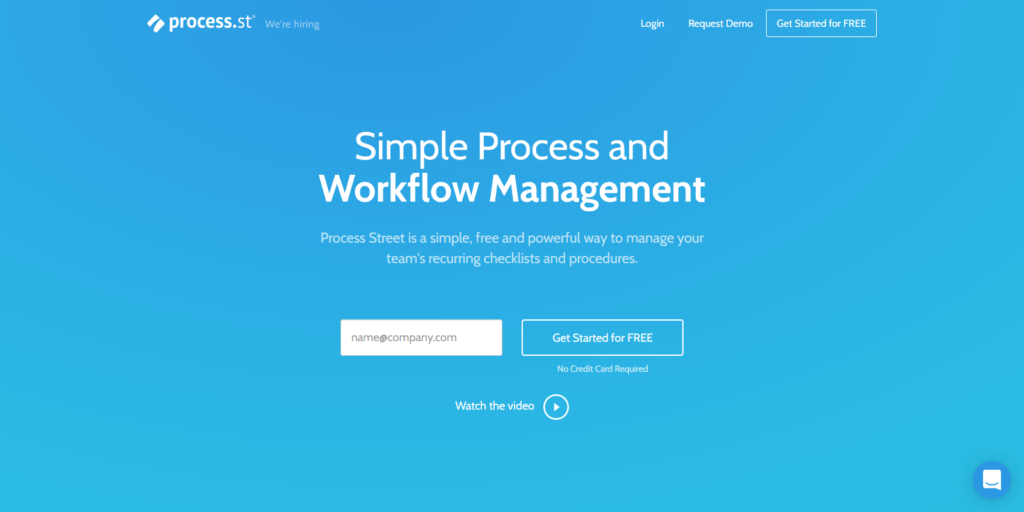
Process Street is a Typeform alternative as far as workflow management is concerned.
Handling data gathered from forms would be difficult for those working with different people. It could lead to bottlenecks due to poor communication and lack of initiative among teammates, both of which boils down to not having a clear process.
Using Process Street, you can create documents of procedures and share and collaborate with your team. By documenting your workflow this way, you ensure that the assigned team members take all steps by passing through the correct channels without fail.
The tool has a form builder you can use internally to ensure that nothing slips through the cracks. You can come up with forms that you can publish on your site. From the dashboard, set up a checklist of tasks assigned to your people who will take action on the data entered in the form.
From here, you can track the form data’s progress and see if it’s been audited and approved.
Typeform Alternative #7: ProProfs Quiz Maker

Unlike your regular forms, quizzes should have a place in your business and marketing efforts. You can create them for assessing your employees, generating more leads, and engaging your audience, to name a few.
While you can create quizzes using Typeform, it doesn’t have the bells and whistles that a dedicated quiz maker tool offers. ProProfs quiz maker comes to the rescue if Typeform isn’t doing it for you.
You can build a quiz by choosing from its selection of templates for any type. Add questions and customize its look and feel before hitting “Publish.”
ProProfs Quiz Makers lets you configure the quiz from over 100 settings and options. For instance, you can assign points for each item to help aid in scoring employees based on their answers.
If you want to use quizzes to build your email list, you can sync it with your preferred CRM tool to automate your marketing efforts.
Also, ProProfs is more than just a form builder. As one of the must-have tools for startups, you can use it to create a knowledge base for your company, set up a live chat widget on your site, and track your projects, among other features.
Typeform Alternative #8: Google Forms
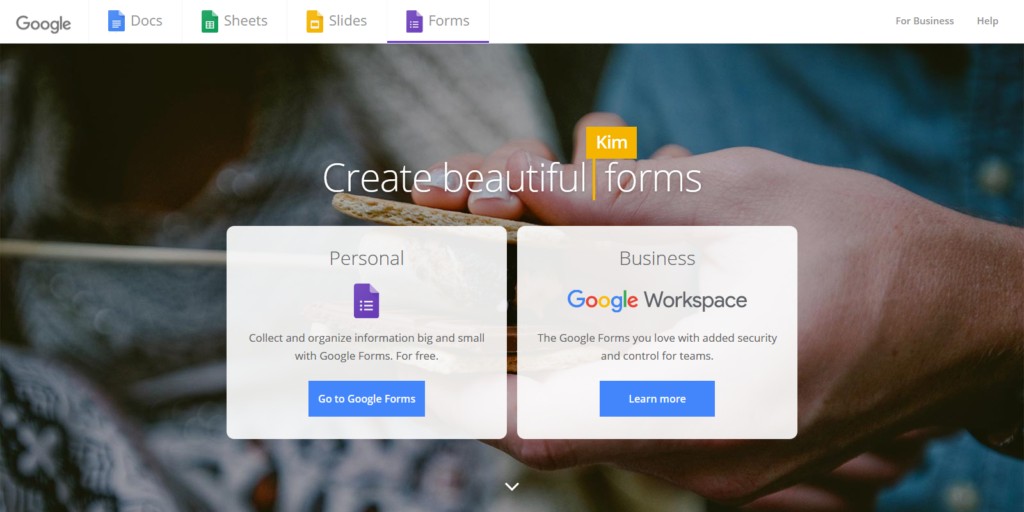
If you want a free Typeform alternative that is easy to use and allows you to create simple forms for free, Google Forms is for you.
Build online surveys, forms, and quizzes fast by choosing from its pre-designed templates and customizing its appearance.
All forms you’ll create using Google Forms are mobile-responsive, so you can be sure to get responses from people using any device.
About that, you can edit the forms straight from mobile if you want to tweak them on the go. You can also add collaborators to help you build the forms or analyze its data.
Google Forms also makes it easy for users to understand the information as it’s presented using charts. If you want to crunch the numbers, you can export the data to Google Sheets and work your magic there.
Typeform Alternative #9: Wufoo
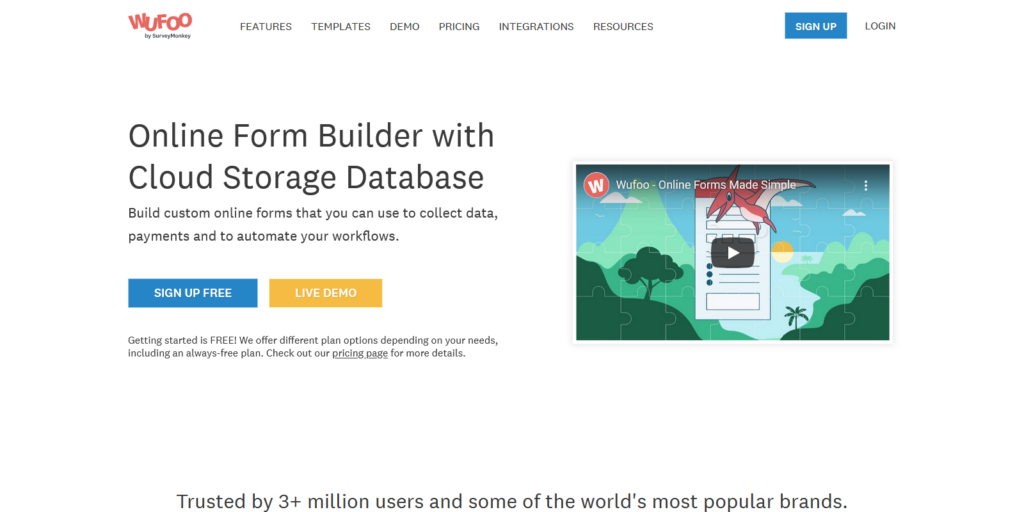
Rounding up the list of Typeform alternatives is Wufoo, another easy-to-use online form builder. Its choices of templates organized into industry help you set up forms with a few clicks of a button. Wufoo also lets you create online surveys and registrations using its drag-and-drop builder if you wish to start from scratch.
If you run an online store, you can use forms to collect payments from customers by syncing the tool with payment gateways like Authorize.net, PayPal, and Stripe.
You can also send data from Wufoo to tools like MailChimp, Salesforce, Asana, and others. This allows you to put your marketing on autopilot and get more things done in less time.
Over time, you must analyze the data you’ve received from your forms. Wufoo’s one-click report feature helps you generate an overview of the forms you’re using. You can also export your data onto your spreadsheet of choice if you prefer this approach.
Which among the Best TypeForm Alternatives is for You?
There’s a lot of form builders to replace TypeForm from this list. It depends on what you want to achieve with the form to help you decide which among the tools above is the right one.
However, if you need the ability to hold viral giveaways on top of its form building features, Woorise is heads and shoulders above the rest.
Its easy-to-use and intuitive builder makes creating surveys, forms, and quizzes with ease. That’s on top of its other features like landing page creation and secure payment collection.
If you’re interested in what Woorise has to offer, sign up for a free account and take its features to a test drive.