Turn photo submissions into audience engagement
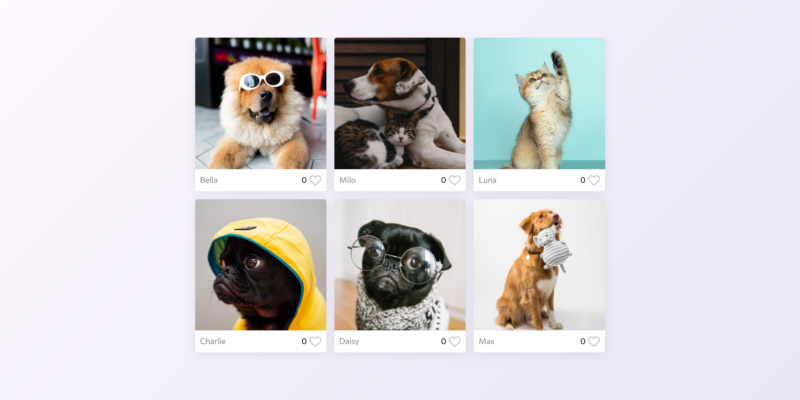
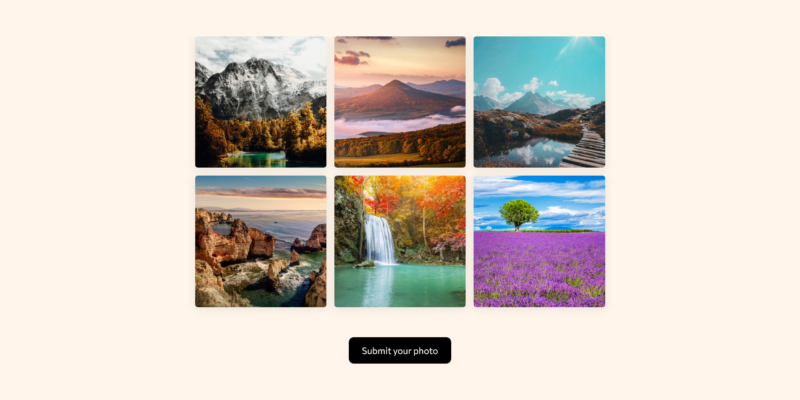
This Photo Voting Contest template brings submissions into a branded gallery where visitors can explore the photos and vote, while entrants share their individual links to build support and attract new visitors to your contest.
The example features architecture photography, but you can adapt it to portraits, street photography or an open theme. Photography clubs, creative businesses and community organizations can use it to reach new audiences and grow their email lists by collecting participant and voter details with newsletter consent.
From submissions to public voting
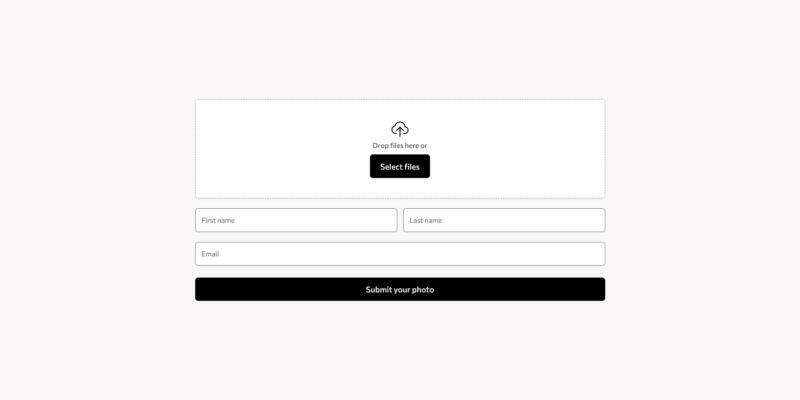
Connect the gallery to your photo submission page or import entries you’ve already collected, then add titles, photographer names or captions to introduce the work. You can open voting after submissions close or accept photos and votes together by making your upload form available from the contest page.
Set the voting method to inline or popup forms to collect voter details, or use cookies for quick voting without a form. Set voting limits to match your rules and review submissions before they appear, with full-screen viewing helping visitors appreciate each photo before casting a vote.
Ideas for your photo voting contest
- Give a photography club’s members a place to exhibit their work and compete for an audience award.
- Invite local photographers to capture your town’s buildings, streets or community life.
- Run a themed competition around portraits, light and shadow or black-and-white photography.
- Add a public voting round to a shortlist selected by your team.
Customize the design to suit your brand, then share your contest page or embed it on your website. When voting closes, review the results and announce the winning photos.
How to use this template
- Add your contest theme, prize and rules, including submission dates, voting dates and how winners will be chosen.
- Adjust the photo submission and voting forms to collect the information you need.
- Customize the gallery details and layout, then set photo approval and voting limits.
- Update confirmations and email notifications, publish the contest and share it with your audience or embed it on your website.
- Review incoming photos and approve eligible submissions. Once voting closes, use the results to select winners according to your rules.
For detailed setup instructions, see our guide to creating a photo contest.