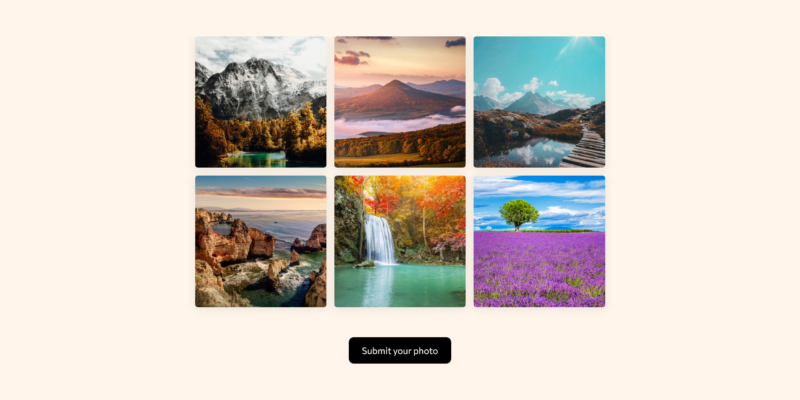
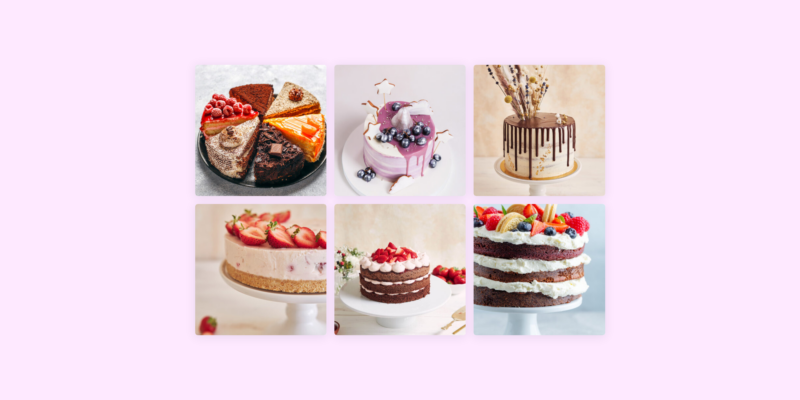
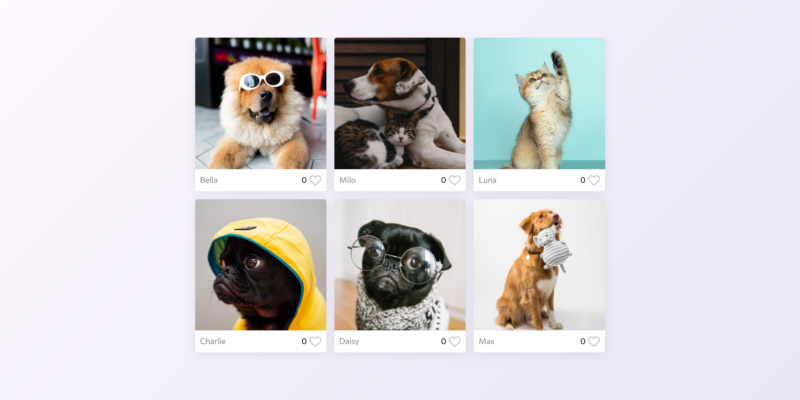
We’ve rolled out major enhancements to photo contests and the gallery block in Woorise. Whether you’re collecting user-generated content (UGC), capturing qualified leads, or running a viral voting contest, these updates give you total flexibility over how photos are displayed, searched, shared, and voted on.
Choose the perfect voting experience
Every campaign has different goals—some focus on rapid viral engagement, while others prioritize lead generation. You can now choose from three voting methods to fit your exact workflow:
- Inline Form: Collect votes directly via an on-page form placed beneath the gallery. Best for capturing voter lead details, running survey questions, or embedding voting inside a longer landing page.
- Popup Form: Clicking a vote button triggers a slick modal popup. This keeps the gallery layout clean and distraction-free while capturing key details like name and email address.
- Cookie-Based Voting: Visitors vote instantly with a single click—no form required. Ideal for high-volume, casual contests where removing user friction is priority #1. (Note: Uses browser cookies to restrict repeat votes).
Give your gallery a fresh look
The new Overlay layout places entry details and voting controls over each photo when visitors hover, leaving more space for the photos themselves.
On mobile, those details stay visible, making them easy to read and use. You can choose the overlay style or keep the standard layout with details below each image.
Help users find entries instantly
You can now enable search directly inside the Gallery block settings, allowing visitors to instantly locate photos by Entry ID, name, email, or custom field without scrolling through massive galleries.
This makes it simple for participants to quickly find their own submissions and send supporters straight to their entry to gather votes.
Make every photo easy to share
Turn every entrant into a brand ambassador with direct sharing links for individual photos.
- Direct deep-linking: Shared URLs open the exact photo in a focused view, ready for instant viewing and voting.
- Custom share buttons: Select exactly which platform buttons appear (Facebook, X/Twitter, Pinterest, WhatsApp, Direct Copy Link).
- Custom social preview titles: Personalize sharing titles with custom text and merge tags for your campaign title, entry ID or form data, such as a participant’s name or photo caption.
8 new photo contest templates
Have a contest idea but don’t want to start from scratch? We’ve added eight new templates for everything from travel photo contests and customer giveaways to judged competitions and voting galleries.
Each gives you a starting point to make your own photo contest. Add your branding, update the content and adjust the settings to fit how you want to collect photos and choose your winners.