Visitor Request Form Template

This visitor request form template helps organizations gather essential visitor details quickly, enhancing the visitor management process without hassle.

Visitor Request Form Template

Gather Visitor Information Efficiently

This Visitor Request Form is designed for organizations needing to collect visitor information efficiently. It’s ideal for businesses, event planners, and facility managers who require a systematic way to manage visitor entries.

Use this form to gather contact details, visit purposes, and specific needs of your visitors. It’s particularly useful for hotels and contractors who must manage large volumes of visitor data and handle requests systematically.

Easily customize this form by adding your logo, adjusting the color scheme, or including background images to align with your brand. Include fields like name, contact information, visit purpose, and special accommodations as needed.

Woorise features like double-opt-in ensure data accuracy. Upon submission, integrate with platforms like Google Drive to organize your data. This gives you confidence in managing visitor information effectively.
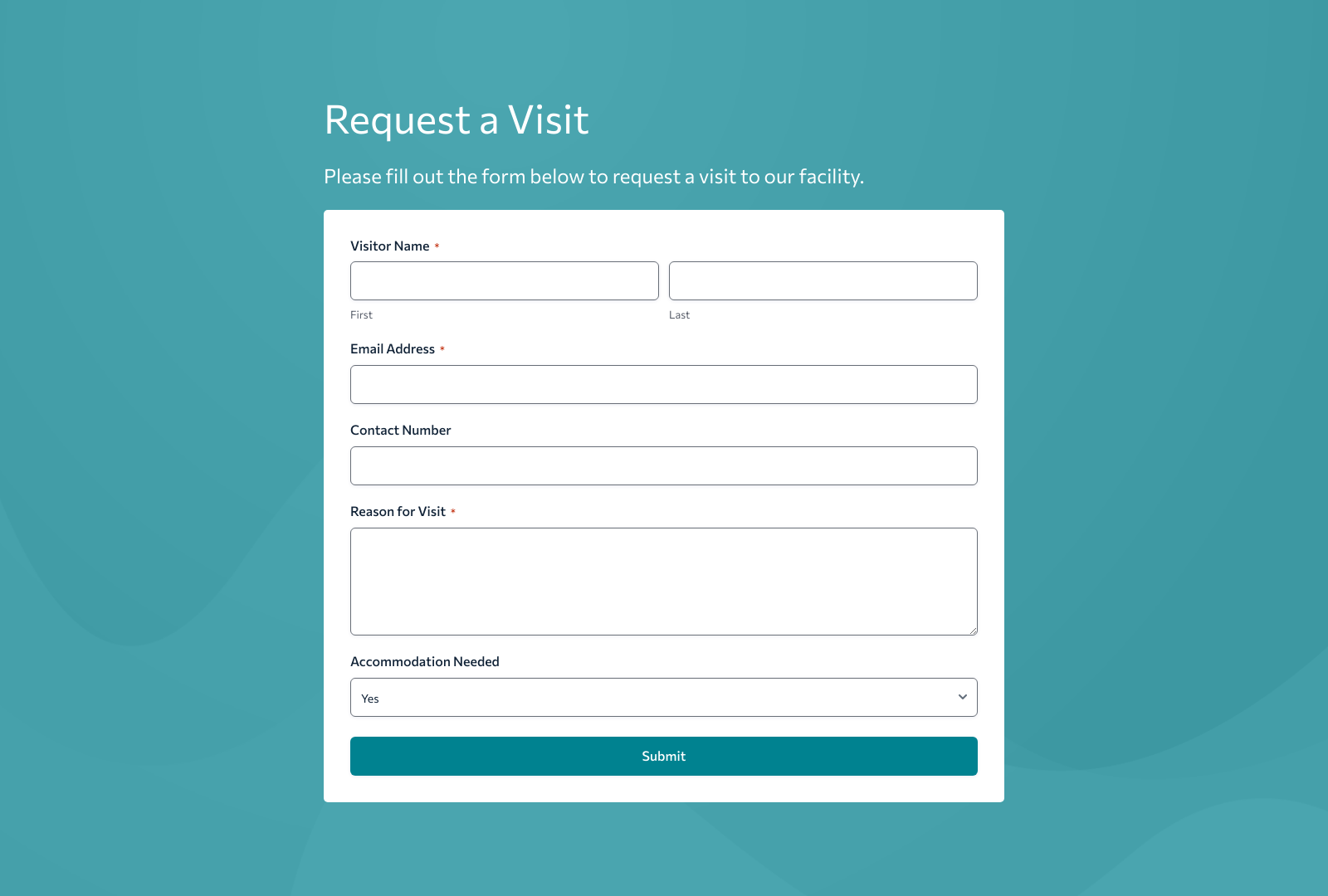

Visitor Request Form Template with fields for name, contact, and visit details.
Use the Visitor Request Form Template to efficiently collect important visitor information, improving your visitor management system.

Visitor request form template FAQs

What does the Visitor Request Form template do?

The Visitor Request Form template helps organizations collect visitor information, including contact details and visit purposes, to ensure a smooth entry process.

What are some use cases for the Visitor Request Form?

Common use cases include managing hotel guest information, contractor visits, and event entry management. It's designed to handle large volumes of visitor data efficiently.

How does the Visitor Request Form work with integrations?

Easily connect your Visitor Request Form with Google Drive or Dropbox to store and manage visitor data. This integration supports efficient data handling.

What are the embedding options for this form?

Embed the Visitor Request Form on your website using HTML code or Woorise's embed feature. This ensures your form is accessible to all potential visitors.

Can the Visitor Request Form be used in multiple languages?

Yes, customize the form to support multiple languages, ensuring accessibility for international visitors. This flexibility enhances user experience across different regions.

Can I use conditional logic in the Visitor Request Form?

Apply conditional logic to show or hide fields based on visitor responses. This feature helps tailor the form to specific visitor needs, improving data collection relevance.

Join more than 80,000 brands using Woorise

Easily create landing pages, forms, surveys, quizzes & viral giveaways that drive real user engagement.

Use this template