Urgent Care Work Release Form Template

This form template helps hospitals efficiently communicate work release details to employers, ensuring accurate patient information is shared quickly.

Urgent Care Work Release Form Template

Facilitate patient work release

The Urgent Care Work Release Form is designed for healthcare providers needing to release patients to their workplaces. It’s tailored specifically for hospitals to ensure all relevant patient information is captured accurately.

Hospitals frequently use this form to communicate with employers regarding a patient’s condition and work suitability. It aids in reducing administrative back-and-forth, ensuring a smoother transition back to work.

Customize the form using Woorise’s drag-and-drop builder. Include fields like patient details, treatment plan, and work restrictions. Add or modify fields to fit your institution’s needs effortlessly.

Leverage Woorise integration features to connect this form with apps like Google Drive and Salesforce for efficient data handling. Post-submission, collect e-signatures with Woorise Sign for added convenience.

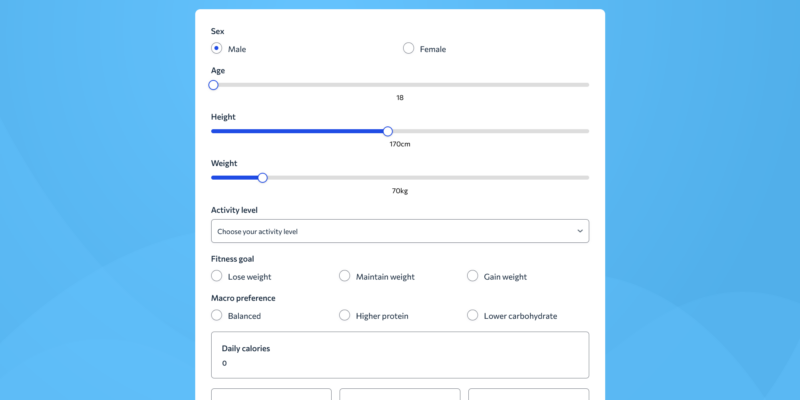
Urgent Care Work Release Form Template showing fields for patient details and work release information.
The Urgent Care Work Release Form Template helps hospitals share accurate info with employers swiftly and efficiently.

Urgent care work release form template FAQs

What is the Urgent Care Work Release Form?

The Urgent Care Work Release Form is a template for hospitals to communicate patient work release details, ensuring accurate information is shared with employers for a smooth transition.

How do hospitals use this form effectively?

Hospitals use this form to provide detailed patient condition and treatment plans to employers. It's especially useful in facilitating clear communication regarding work suitability and restrictions.

What customization options are available?

Use Woorise's drag-and-drop builder to tailor the form with fields like patient information, treatment details, and work restrictions. Modify fields to meet specific hospital requirements with ease.

What are common setup mistakes to avoid?

Avoid omitting crucial fields like treatment details or work restrictions. Ensure all necessary information is included for a complete and effective work transition communication.

What happens after the form is submitted?

After submission, data can be integrated with apps like Google Drive, ensuring efficient handling. Use Woorise Sign for collecting necessary e-signatures, reinforcing the form's functionality.

What key features does this template offer?

This template features customizable fields, integration with apps like Salesforce, and the ability to collect e-signatures using Woorise Sign, enhancing hospital communication with employers.

Join more than 80,000 brands using Woorise

Easily create landing pages, forms, surveys, quizzes & viral giveaways that drive real user engagement.

Use this template