Run a travel photo contest with public voting
Invite customers to share their travel photos and let visitors vote for their favorites. Entrants can share their photos with friends to encourage more votes, helping more people discover your contest. You can also collect optional newsletter signups and permission to use submitted photos in future marketing.
This template works well for hotels collecting guest photos, tour operators inviting trip highlights and tourism organizations showcasing local destinations. Travel and outdoor brands can use it to collect photos of their products in use, with a prize such as a stay, an experience or a product bundle.
Key template features
- Photo upload controls: Choose accepted file types, size limits and how many photos each entrant can submit.
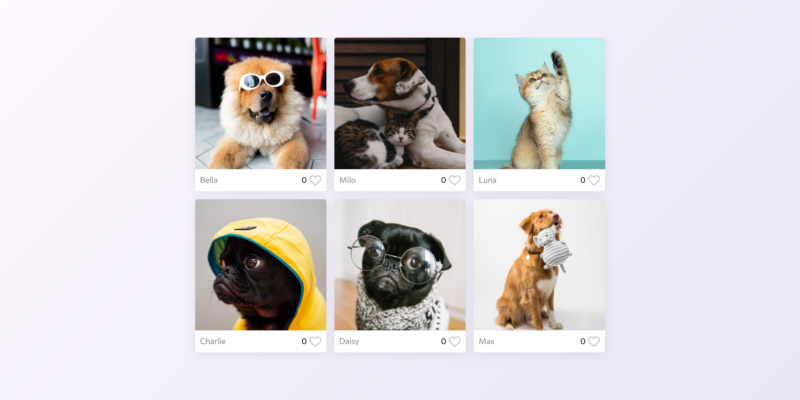
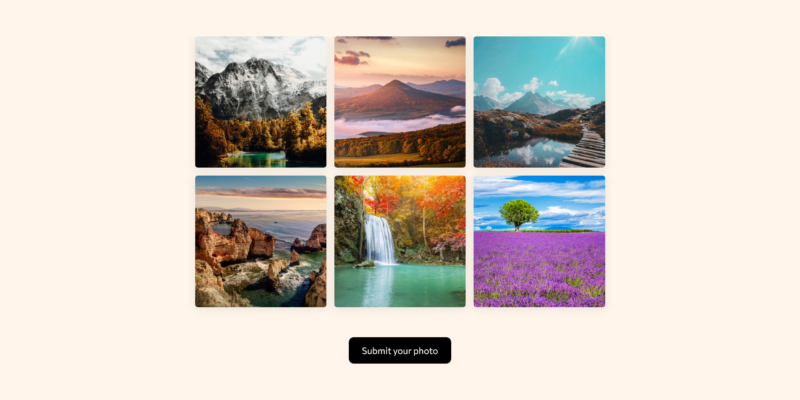
- Custom gallery details: Show names, photo titles or locations below each photo or over the image, using information from the submission form.
- Photo approval and emails: Review submissions in the Entries tab before they appear in the gallery. Set up an automatic email to let entrants know when their photo is live.
- Voting and entry limits: Choose how many photos each visitor can vote for and whether vote counts are visible. Limit repeat submissions by email or IP address.
- Direct photo sharing: Let entrants share a link that opens their own gallery entry, making it easier for friends to find their photo and vote.
- Submit without leaving the gallery: Embed the photo submission form in a popup so visitors can browse photos and enter from the same page.
How to use this template
- Replace the example content with your contest theme, prize, dates and rules.
- Customize the submission and voting forms, including photo permissions and optional newsletter signup.
- Choose your gallery layout, photo details, approval settings and voting limits.
- Update confirmation messages and emails, then publish the contest and share its link or embed it on your website.
- Review submissions and approve eligible photos. When voting closes, select winners according to your contest rules.
For detailed setup instructions, see our guide to creating a photo contest.