
Raffle Entry Form Template

Boost raffle entries with this engaging form template, perfect for marketers aiming to capture more leads and increase participation in their competitions.

Raffle Entry Form Template

Increase raffle entries with ease

The Raffle Entry Form template is designed for marketers looking to engage their audience through fun, interactive competitions. Whether you’re running a local giveaway or an online contest, this template makes it easy to collect participant information and grow your lead list.

Marketers use this template to efficiently gather participant entries for raffles and competitions, addressing the challenge of lead generation. With a clear incentive, it encourages users to provide their details, offering a straightforward way to fill your lead queue.

This form comes with default fields such as Name, Email, and Phone Number, which you can customize using the drag-and-drop builder. Add or modify fields to suit your campaign’s specific needs, ensuring you capture all necessary information without hassle.

Woorise supports features like email notifications, third-party integrations, and post-submission redirects. After users submit the form, you can automatically send confirmation emails and export entries to tools like Mailchimp or Google Sheets, giving you control over your lead management.
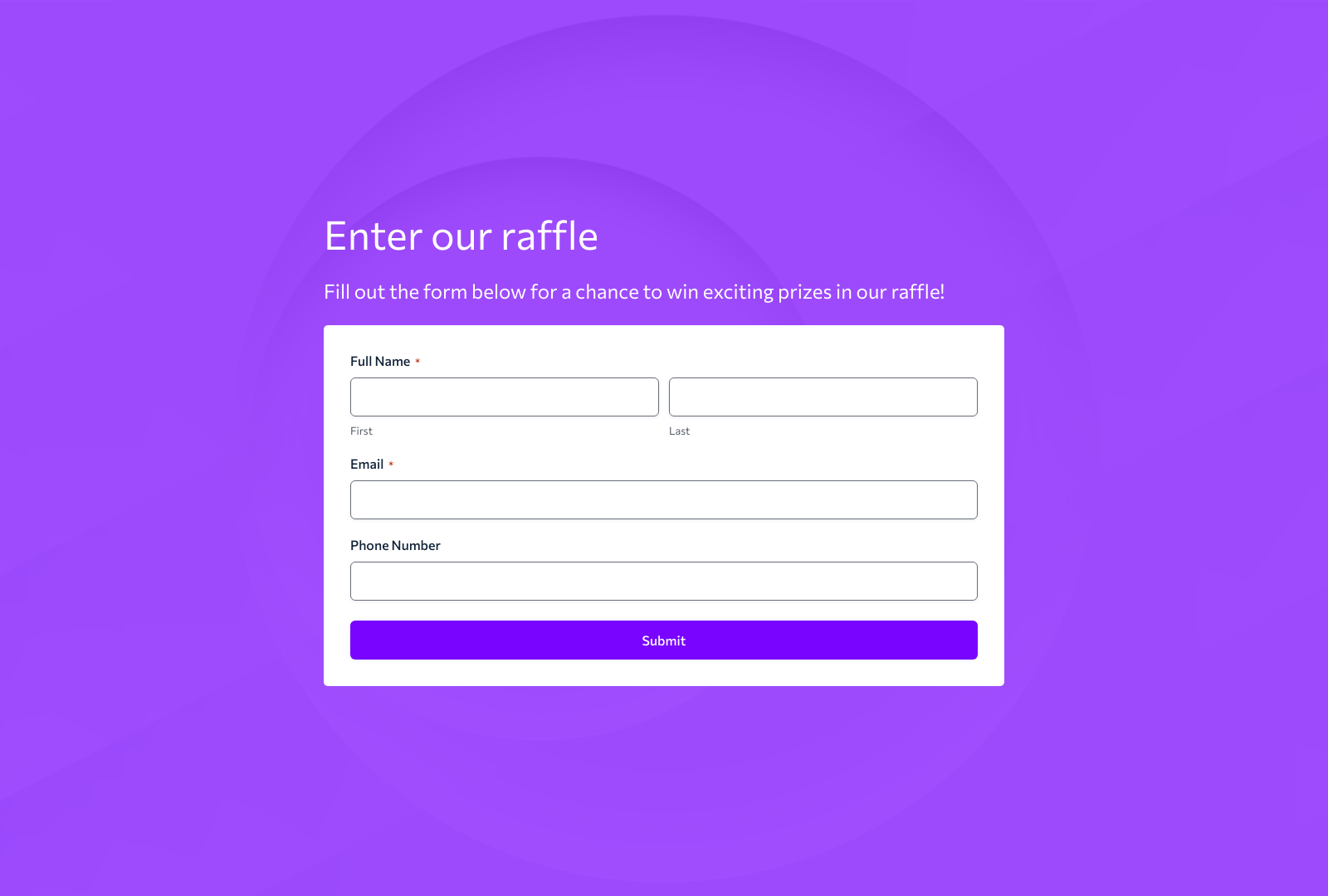

Raffle Entry Form Template showing fields for name, email, and submit button.
The Raffle Entry Form Template helps marketers capture more leads by engaging participants in competitions.

Raffle entry form template FAQs

What is a Raffle Entry Form and what does it do?

A Raffle Entry Form captures participant information for a raffle or competition. It's used to gather leads by offering an incentive, like a prize, for providing contact details.

What are some examples and use cases for this form?

Commonly used in online or offline competitions, this form helps businesses increase lead generation by incentivizing users with rewards for their participation.

When should I use a Raffle Entry Form?

Use this form when running promotional contests or giveaways to capture leads. It's ideal for events where you need to collect and manage participant information effectively.

Can I integrate this template with third-party services?

Yes, this template can integrate with services like Mailchimp, Google Sheets, and Zapier. These integrations help automate lead management and enhance your marketing strategy.

Which fields are included by default, and how can I modify them?

Default fields include Name, Email, and Phone. You can modify these fields or add new ones using the drag-and-drop builder, tailoring the form to your campaign needs.

Can I apply conditional logic to show or hide fields dynamically?

Yes, you can apply conditional logic to this form. This feature allows you to show or hide fields based on user responses, making your form more interactive and relevant.

Join more than 80,000 brands using Woorise

Easily create landing pages, forms, surveys, quizzes & viral giveaways that drive real user engagement.

Use this template