
Peer Evaluation Form Template

The Peer Evaluation Form template helps you gather genuine feedback with customizable fields, boosting engagement and saving setup time.

Peer Evaluation Form Template

Collect Peer Evaluations

The Peer Evaluation Form template is designed for HR teams, educators, and project managers who need valuable feedback from peers. This template helps collect comprehensive evaluations that can guide improvements and enhance team dynamics.

Commonly used to gather insights on team performance, this form aids in identifying strengths and areas for development. It enables you to make informed decisions based on structured and honest peer feedback.

The template includes default fields like name, email, and feedback sections. You can modify these fields with Woorise’s drag-and-drop builder, adding or rearranging elements to suit your specific evaluation needs.

Woorise features such as email notifications and Google Sheets integration ensure you stay on top of submissions. After submission, data is organized and stored securely, giving you control over the evaluation process.
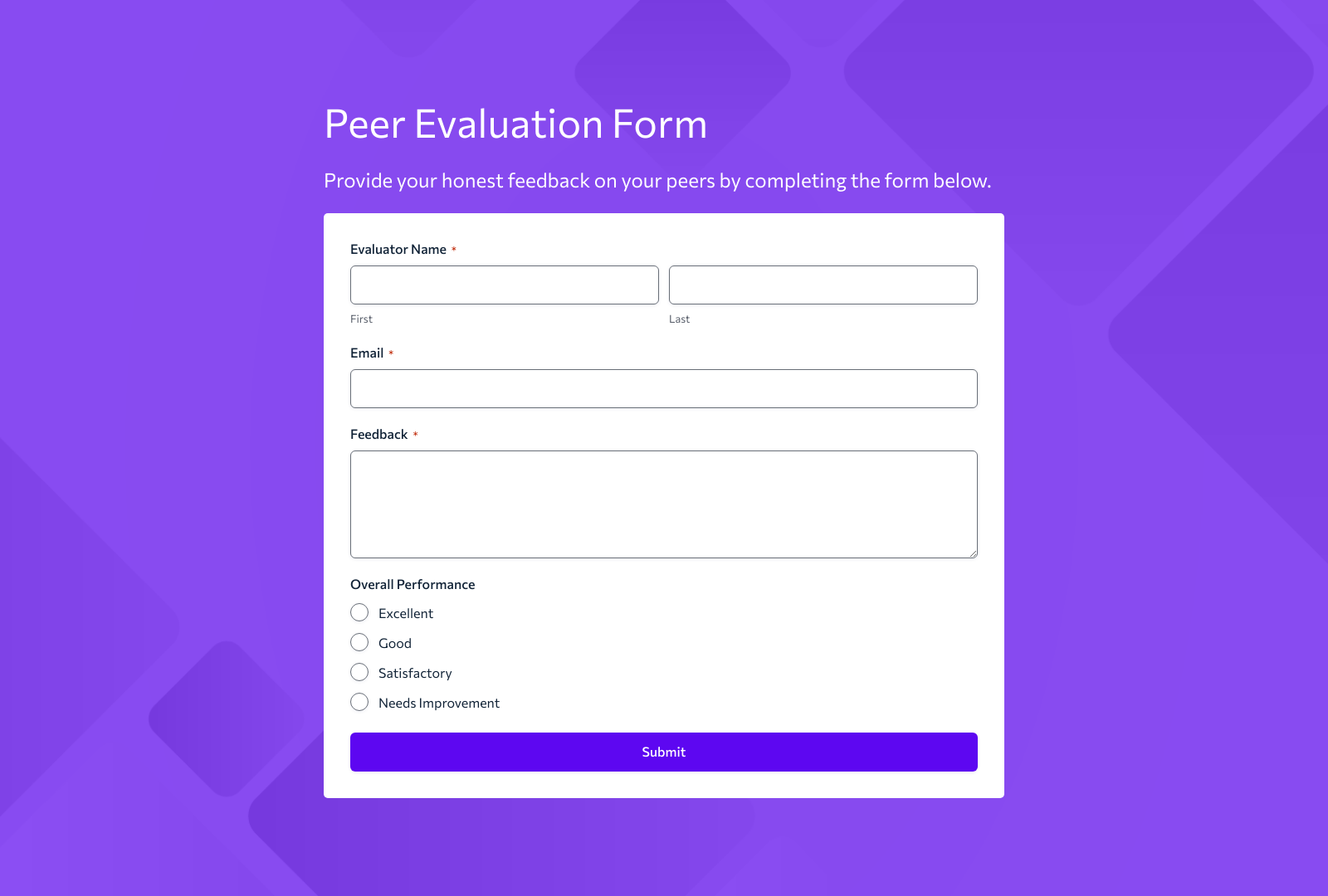

Screenshot of Peer Evaluation Form Template with customizable fields and submit button.
Peer Evaluation Form Template helps gather honest feedback quickly. Customize fields to match your needs and save time.

Peer evaluation form template FAQs

What is the Peer Evaluation Form template?

The Peer Evaluation Form template helps collect detailed feedback from peers. It’s useful for understanding team dynamics and improving performance through structured evaluations.

What are some examples and use cases for the Peer Evaluation Form?

Use this template for team assessments, project feedback, or student evaluations. It gathers useful insights that help improve communication and collaboration among peers.

Can I apply conditional logic to show or hide fields dynamically?

Yes, you can use conditional logic in Woorise to dynamically show or hide fields based on user responses, making the Peer Evaluation Form more interactive and personalized.

What are the options for embedding this form on external websites?

You can embed the Peer Evaluation Form on external sites using a simple HTML code snippet. This ensures the form is readily accessible to participants from your website.

What are the key features of this template?

Key features include customizable fields, drag-and-drop builder, conditional logic, email notifications, and Google Sheets integration for easy data management.

Which fields are included by default, and how can I modify them?

Default fields include name, email, and feedback sections. Modify them using Woorise's drag-and-drop builder to add or rearrange fields according to your evaluation criteria.

Join more than 80,000 brands using Woorise

Easily create landing pages, forms, surveys, quizzes & viral giveaways that drive real user engagement.

Use this template