
Business Evaluation Form Template

Create insightful business evaluations swiftly with this template. Gather valuable feedback to fine-tune your marketing strategies and improve services.

Business Evaluation Form Template

Gather valuable business feedback

Our Business Evaluation Form template is designed for marketers and business owners looking to capture essential feedback from customers or partners. Whether you’re aiming to refine your services or explore new markets, this form offers a structured approach to understanding your audience better.

Common use cases include gathering customer opinions on your current offerings or assessing partner satisfaction. By leveraging this template, you can identify strengths and weaknesses, helping you make informed decisions that lead to practical improvements and more targeted marketing campaigns.

The form comes with default fields like ‘Business Name,’ ‘Feedback Type,’ and ‘Comments.’ You can easily adjust these using Woorise’s drag-and-drop builder. Add or modify fields to tailor the form to your specific needs without any technical hassle.

After submission, Woorise offers features like email notifications and integrations with tools like Google Sheets, turning responses into actionable data. This ensures you stay informed and can act on feedback promptly, giving you control over the follow-up process.
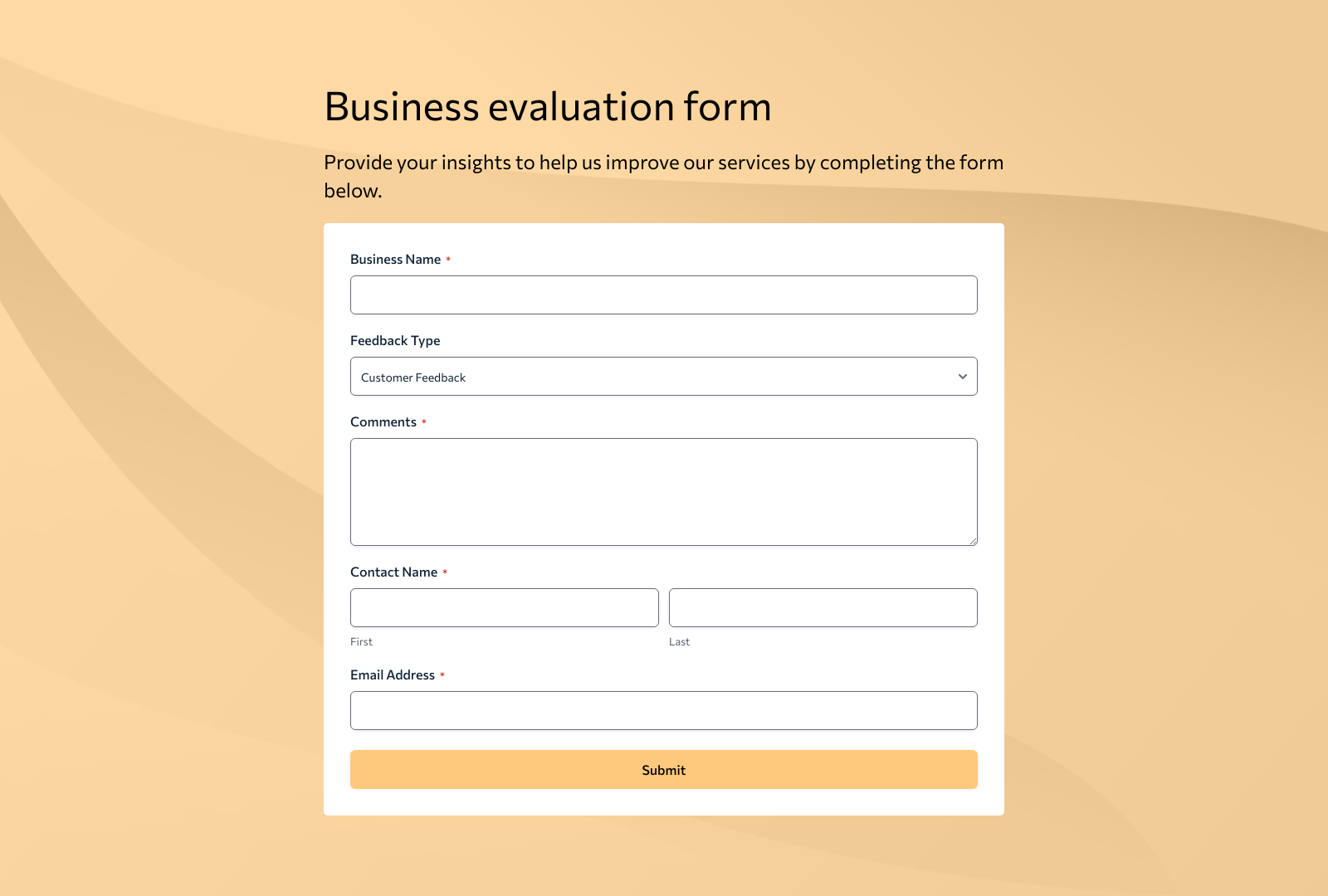

Screenshot of Business Evaluation Form Template with input fields and submit button.
Use the Business Evaluation Form Template to collect feedback easily, helping refine your marketing strategies and enhance services.

Business evaluation form template FAQs

What is the Business Evaluation Form template and what does it do?

The Business Evaluation Form template helps marketers collect structured feedback from customers or partners. It aids in refining marketing strategies and improving services.

What are some examples and use cases for this template?

Use cases include customer satisfaction surveys and partner feedback evaluations. It helps identify areas for improvement and supports informed business decisions.

Can I apply conditional logic to show or hide fields dynamically?

Yes, you can apply conditional logic in Woorise to show or hide fields based on user responses, tailoring the form experience to each respondent's input.

What are some common mistakes to avoid with business evaluation forms?

Avoid overwhelming respondents with too many questions. Focus on essential insights that align with your marketing strategy to ensure higher completion rates.

What happens after submission of the Business Evaluation Form?

After submission, you receive notifications and can integrate responses with tools like Google Sheets. This helps turn feedback into actionable insights for your team.

What are the key features of this Business Evaluation Form template?

Key features include customizable fields, integration with tools like Google Sheets, and email notifications. It supports gathering practical feedback efficiently.

Join more than 80,000 brands using Woorise

Easily create landing pages, forms, surveys, quizzes & viral giveaways that drive real user engagement.

Use this template