
Borang Cuti Form Template

This Woorise template helps HR teams swiftly process leave applications by providing a clear structure for employee leave requests and approvals.

Borang Cuti Form  Template

Manage leave requests efficiently

The Borang Cuti Form is designed for HR departments to handle employee leave applications efficiently. It’s perfect for companies wanting to manage leave requests systematically.

Commonly used in the Human Resources sector, this form helps streamline the leave request process, ensuring all necessary information is captured for quick decision-making.

Customize the form with various fields like name, email, and leave type. Utilize the drag-and-drop editor to add or modify fields such as approval status or additional comments.

Leverage Woorise’s features like email notifications and integration with Google Sheets to ensure data is organized and actionable. After submission, HR can review and approve requests promptly.
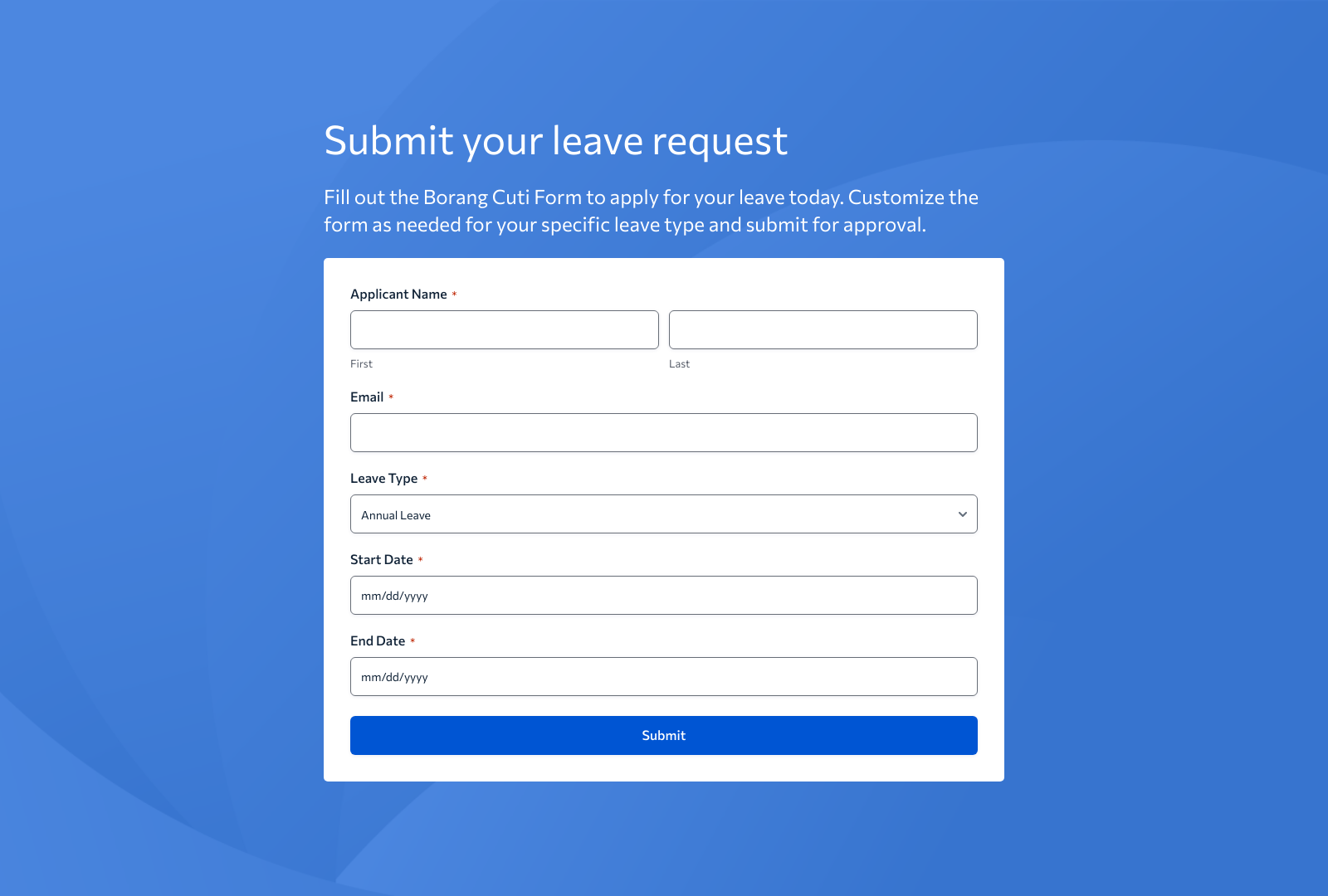

Borang Cuti Form Template showing fields for employee leave request and approval details.
The Borang Cuti Form Template aids HR teams in efficiently managing leave applications with a structured request and approval process.

Borang cuti form template FAQs

What is the Borang Cuti Form and what does it do?

The Borang Cuti Form is an HR tool for managing leave requests. It simplifies the collection and processing of employee leave data, facilitating efficient approval workflows.

What are some examples and use cases for this form?

Ideal for HR departments, this form is used for processing employee leave requests. Suitable for annual leave, sick leave, and other absence types, ensuring all requests are documented.

Can I apply conditional logic to show or hide fields dynamically?

Yes, you can use Woorise's conditional logic feature to display or hide form fields based on previous responses, allowing a tailored user experience aligned with specific leave types.

Can the Borang Cuti Form be translated or used in multiple languages?

Yes, Woorise supports form translations, enabling you to offer the Borang Cuti Form in multiple languages. This is beneficial for multinational teams or companies with diverse staff.

How to get started with the Borang Cuti Form template?

Begin by selecting the Borang Cuti Form template in Woorise. Customize fields using the drag-and-drop editor, then configure notifications and integrations as needed for your HR processes.

Which fields are included by default, and how can I modify them?

Default fields include employee name, email, and leave type. Modify these with Woorise's editor by adding fields like start and end dates, ensuring all necessary data is captured.

Join more than 80,000 brands using Woorise

Easily create landing pages, forms, surveys, quizzes & viral giveaways that drive real user engagement.

Use this template