Create Photo Contests with Galleries & Voting
Collect high-resolution photo submissions, showcase entries in responsive grid galleries, and drive viral engagement with fraud-protected public voting and built-in social sharing.
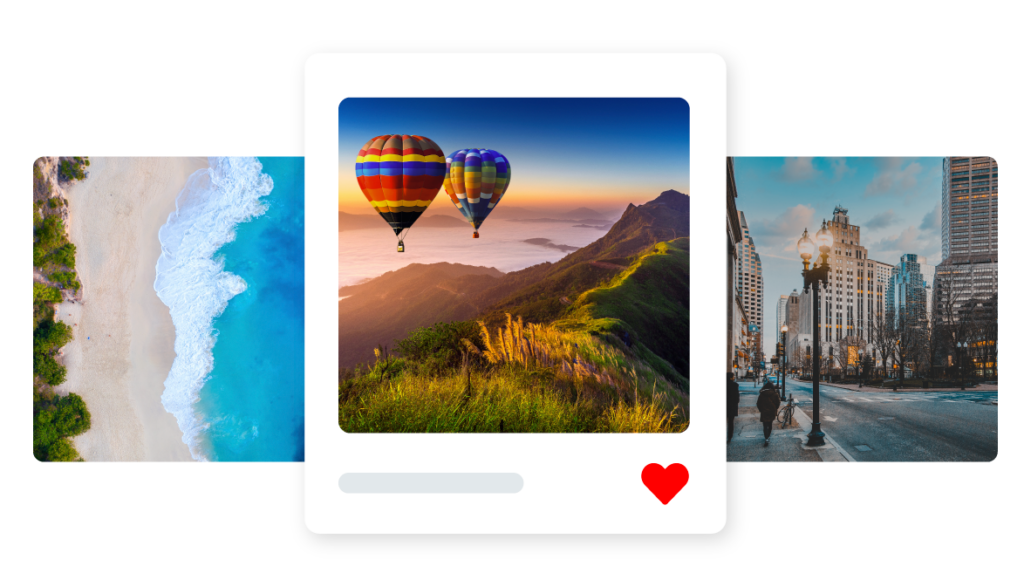
See a photo contest in action
Explore a clean, easy-to-browse gallery, vote for your favorites, share individual entries and try the photo submission button to see the full experience in action.
Photo galleries that fit your brand
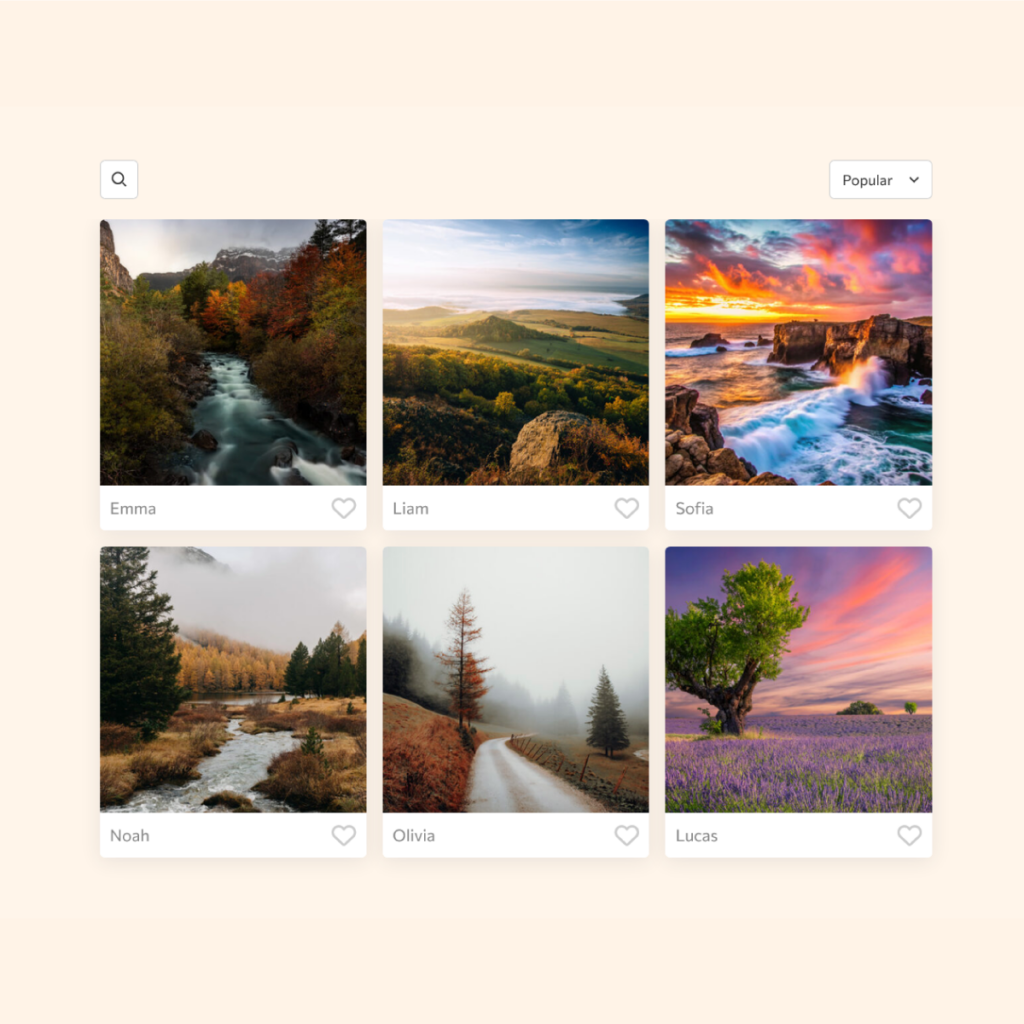
Showcase customer submissions in responsive photo galleries with customizable layouts that match your brand. Search and sorting help visitors find their favorites, while full-screen viewing and infinite scrolling make browsing easy.
Flexible voting with lead capture
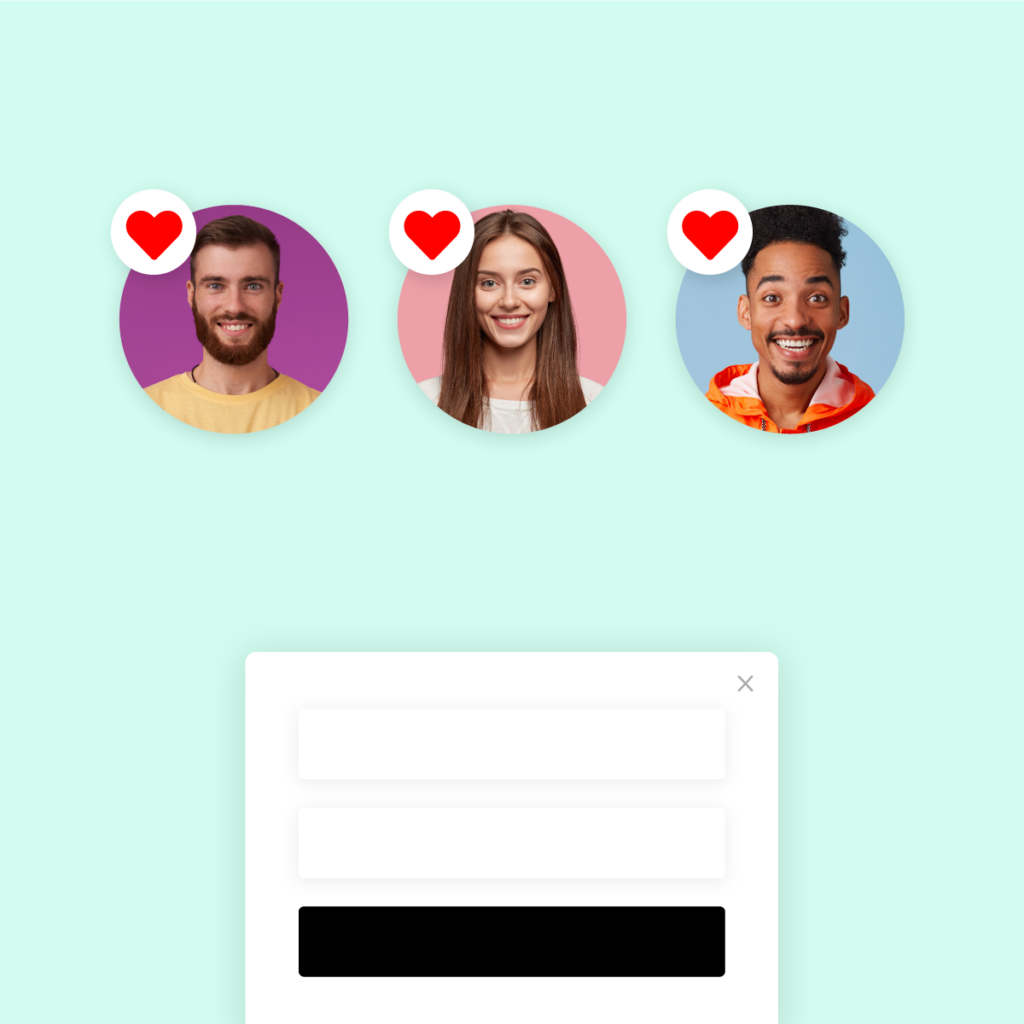
Customize the voting experience to match your exact campaign strategy. Require inline or popup lead-capture forms to grow your email list, or enable instant one-click voting using cookie tracking. Set daily vote limits per IP address, cap total votes, or disable voting altogether to use your page purely as a visual gallery showcase.
Run any type of photo contest
Whether you want to collect customer photos, host a judged competition, or drive viral votes, Woorise gives you the exact format you need.
Photo contests with voting
Invite photo submissions and let your audience vote for their favorites. Entrants can share their photos to gather support and bring more visitors to your contest.
Judged photo contests
Choose winners based on creativity, quality or how well photos fit your theme. Give your team or a judging panel the final say.
Photo giveaways
Give participants a chance to win simply by submitting a photo. Pick winners at random to encourage participation without the pressure of competing for votes.
Customer photo contests
Show your products and experiences through your customers’ eyes. Invite photos of purchases, store visits or memorable moments to collect authentic content and reward your customers.
Community photo contests
Bring your community together around a shared theme. Celebrate local places, club activities or causes with a contest that gives members a reason to contribute.
Voting-only contests
Show a selection of existing photos and let your audience choose their favorites. Run a public vote to select from a shortlist or discover which images they like most.
Branded sharing for every entry
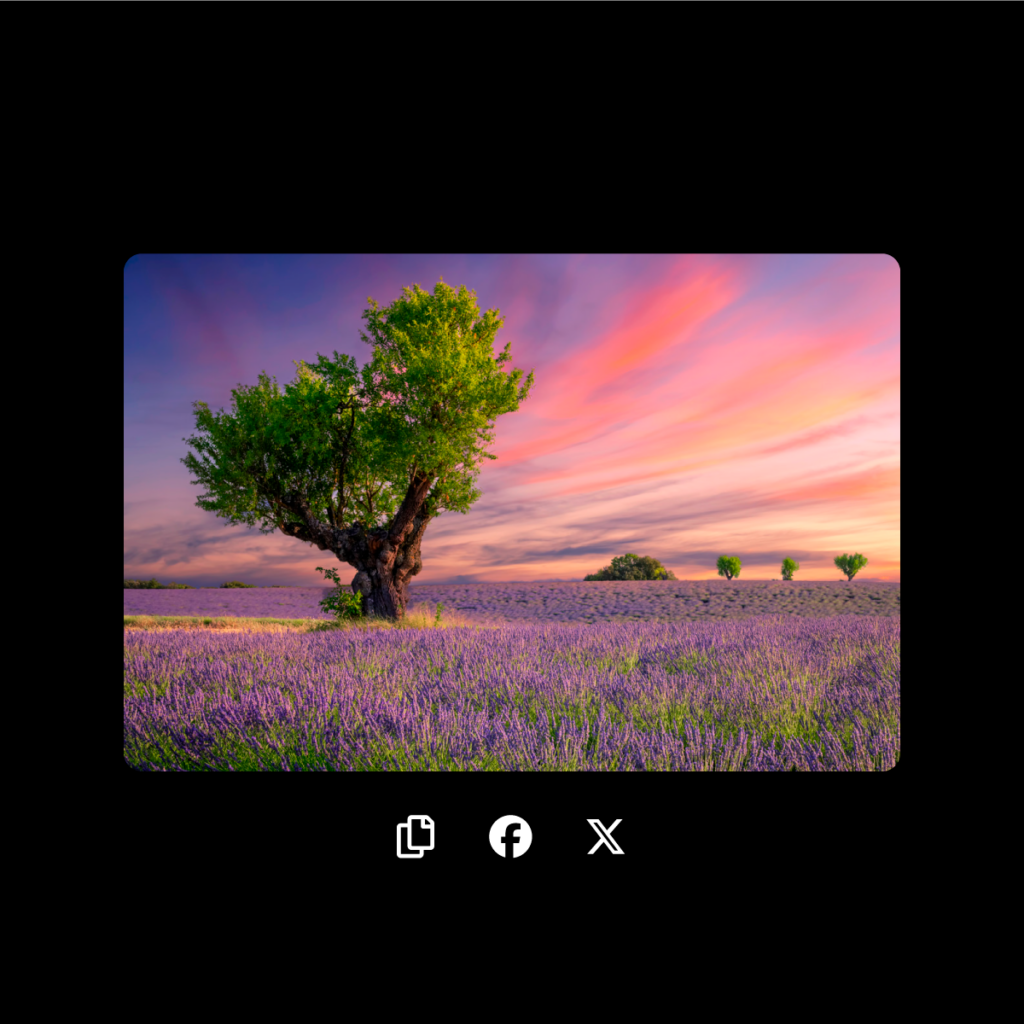
Every entry gets its own unique link to drive targeted referral traffic back to your photo contest. Participants can easily copy their unique link or share directly to Facebook and X. Use dynamic merge tags to tailor share titles for higher click-through rates, or disable sharing entirely to match your campaign goals.
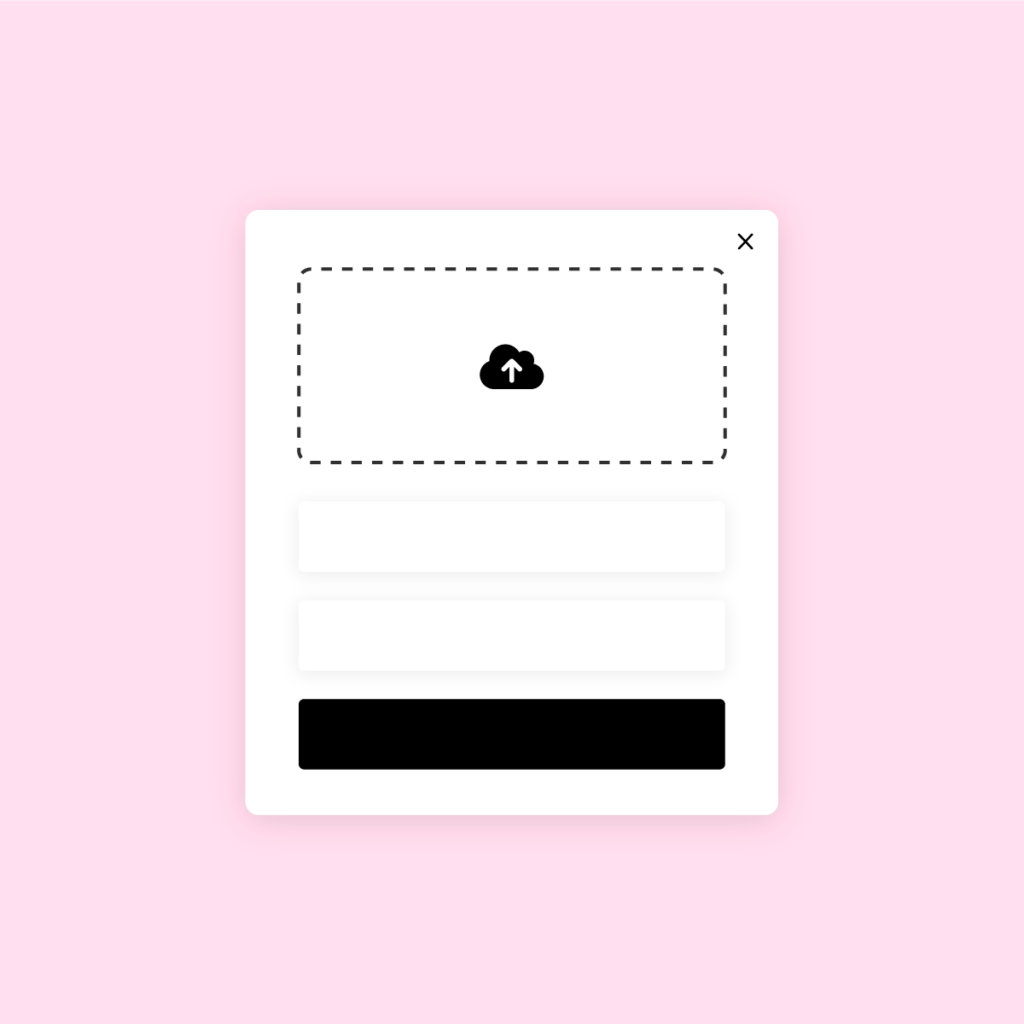
Capture leads with every submission
Turn photo submissions and votes into new leads with customizable forms that capture photos, captions and contact details to grow your email list. Tailor the experience with conditional logic and field validation, then follow up with personalized thank-you messages and automated email notifications.
Easily manage approvals and winners
Keep full control over every submission with simple automatic or manual approval workflows. Invite team members to review entries and send automated email alerts to update submitters on their status. When your contest ends, easily pick and manage winners through public votes, expert judging panels or random draws.
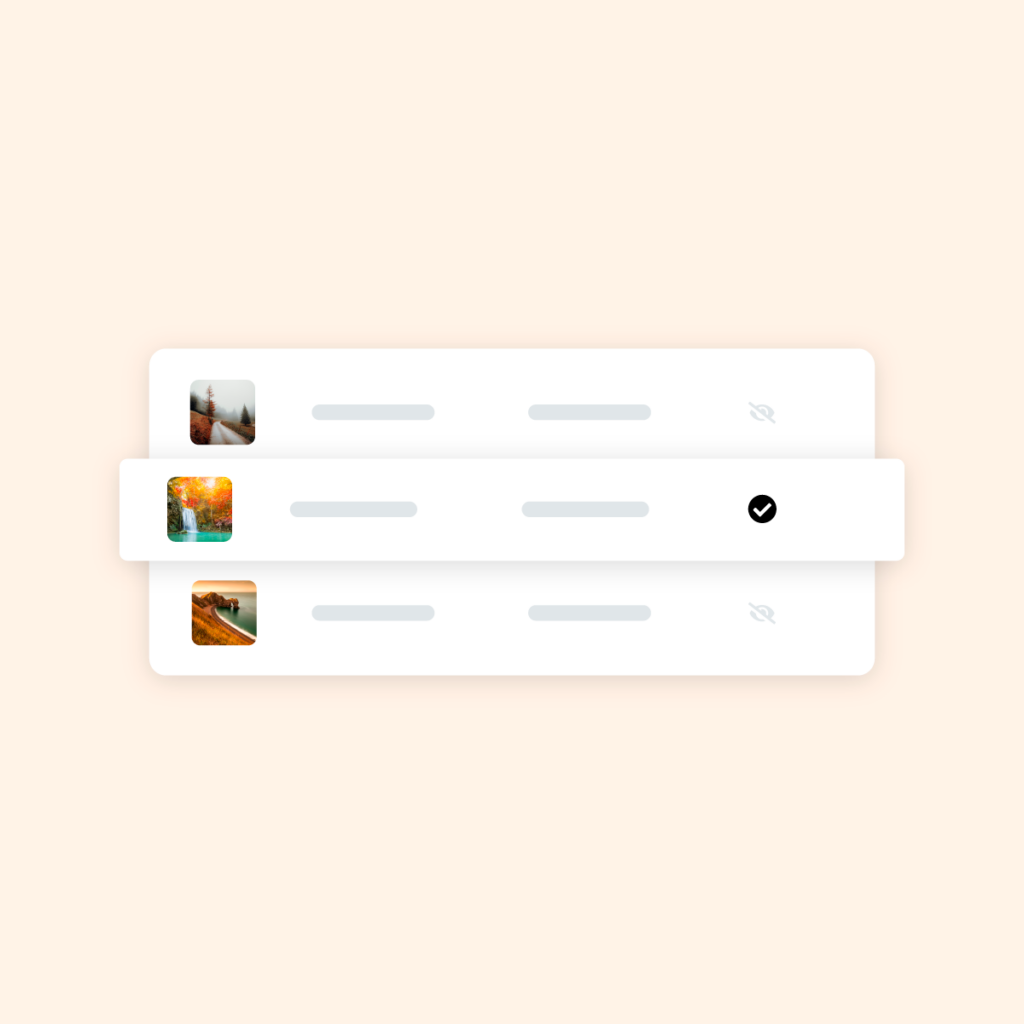
Built for successful photo contests
Get the features you need to keep your contest fair, easily manage photo submissions and stay in control of your data.
Advanced photo uploads
Accept high-resolution photos with flexible upload settings. Choose supported file formats, set size limits and control how many photos each participant can submit.
Contest categories
Organize submissions by theme, genre or age group to keep your competition structured and make reviewing entries easier for your team.
Data export
Export participant and voter details alongside submitted photos and user-generated content for reporting, follow-up marketing and future campaigns.
Legal compliance
Ensure clear consent for photo use and marketing with customizable terms, opt-in checkboxes and personal data management tools that support GDPR compliance.
Fraud protection
Help keep voting fair with IP restrictions, email verification and CAPTCHA protection to reduce spam, duplicate entries and attempts to manipulate results.
Contest monetization
Collect entry fees or donations through Stripe and PayPal, turning your photo contest into a paid competition or fundraising campaign.
Run your photo contest anywhere
Embed interactive photo contests right on your landing pages, pop up slide-in voting galleries, or run standalone campaigns on your own custom domain.
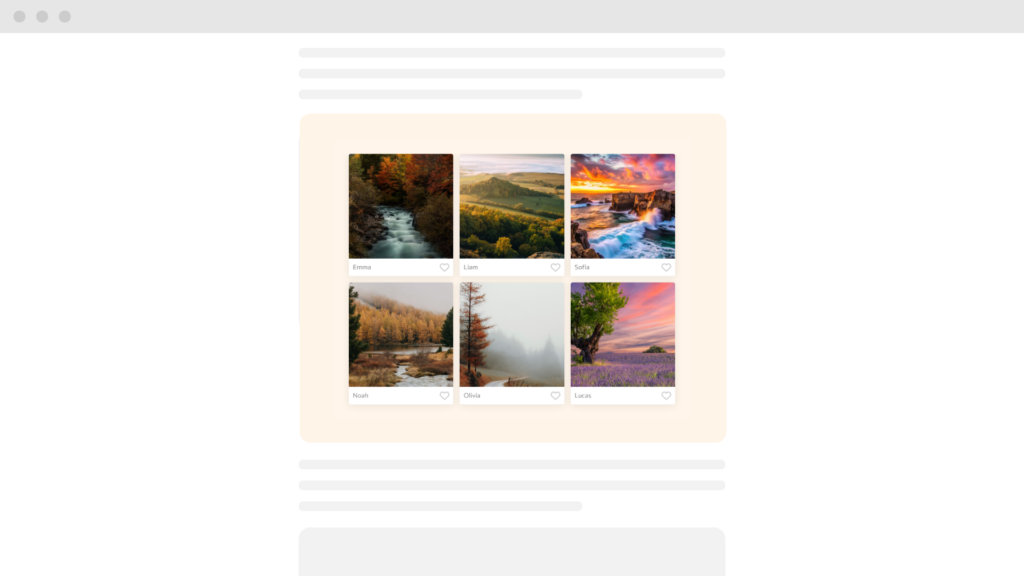
Embed photo contests on any page
Add your photo contest directly into your website or blog post. It blends seamlessly into your existing layout, displaying the interactive gallery and entry flow right in your content.
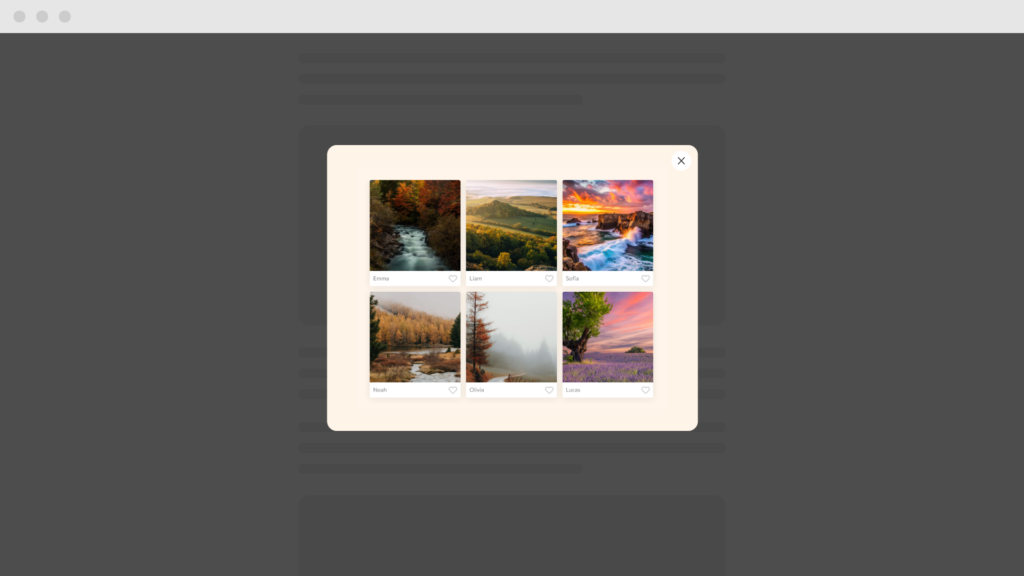
Trigger attention-grabbing popups
Display your entire photo contest in a sleek lightbox popup when visitors click a button, scroll down, or prepare to leave your site. Control when and how often it appears.
Slide into view
Show your photo contest in a panel that slides in from the side of the screen. Let visitors browse entries, submit photos, or cast votes without navigating away from your main page.
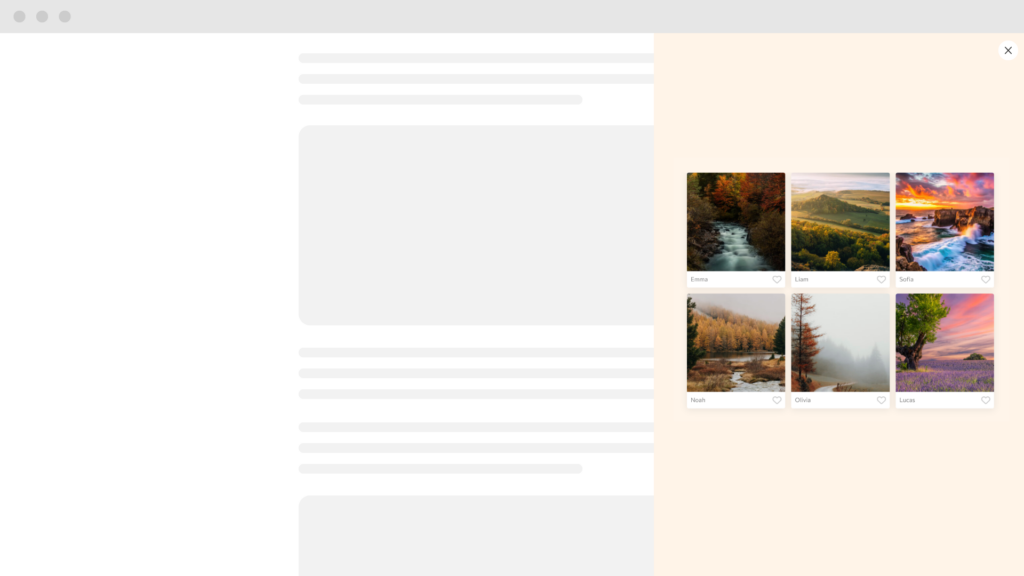
Always within reach
Keep your photo contest one click away with a floating side tab on your site. Customize the tab label (like Vote Now or Submit Photo), colors, and placement to prompt instant participation from any page.
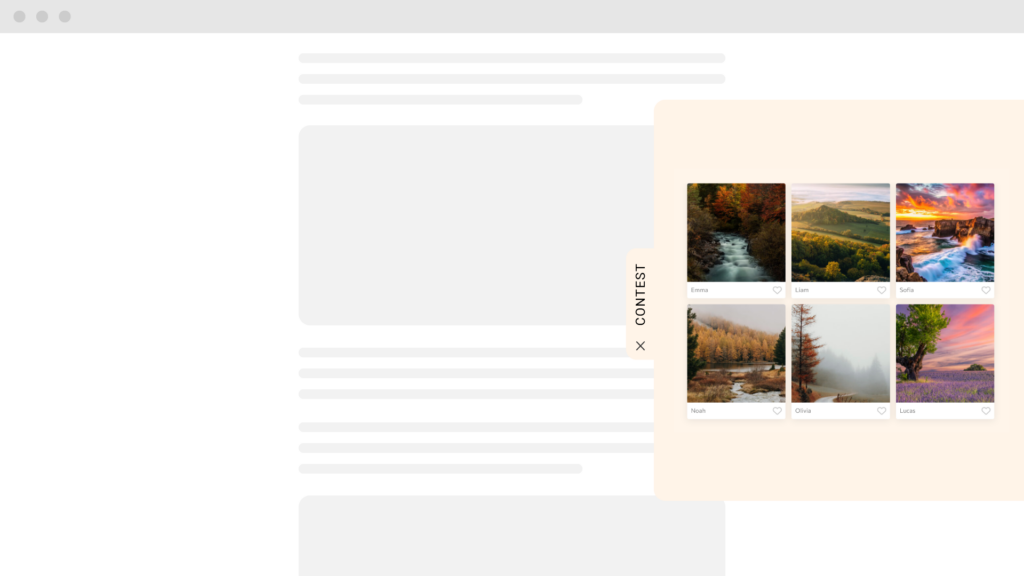
Launch dedicated contest pages
Publish your photo contest as a standalone full-screen experience on a custom domain or dedicated page. Perfect for sharing directly through social media posts, email blasts, or paid ads.
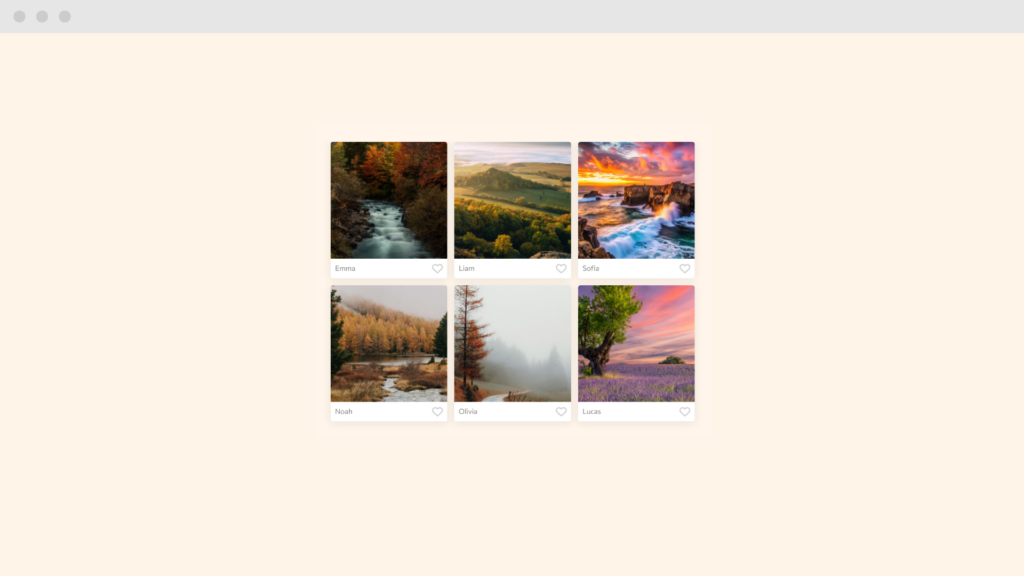
Works with your platform
Start with a photo contest template
Pick a professionally designed photo contest template and customize the gallery, upload form, and colors to match your brand in minutes.
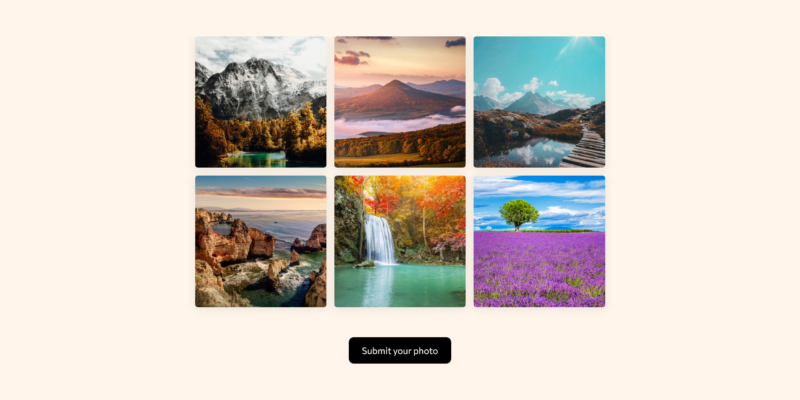
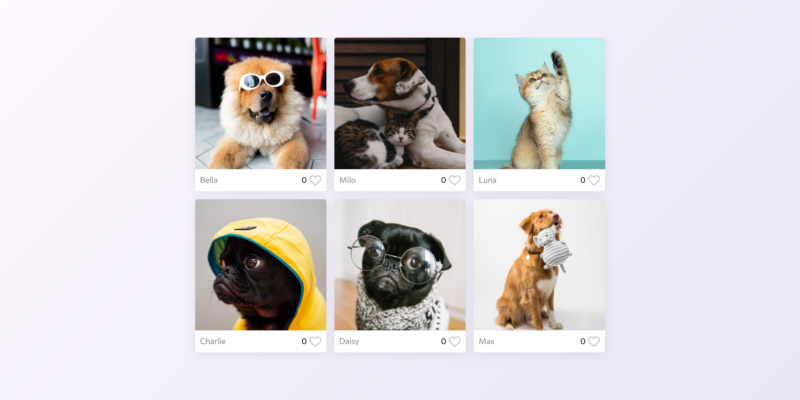






How to create a photo contest
- Create a photo submission page using the Photo Upload Form template, or import photos you have already collected.
- Choose a photo contest template and select your submission page as the Gallery photos source, or use collected entries directly for private judging or random draws.
- Customize your gallery layout, set submission approval rules, and choose your voting method, either through a form or via cookie tracking.
- Publish your voting page, share the link, or embed it on your site. You can also embed your submission form directly inside the gallery to accept new entries on the same page.
- Review entry vote totals, pick your winning entries, and notify winners directly from your Woorise dashboard.
Turn contest entries into revenue and leads
Send photo entrants and voters straight to your marketing platform, launch automated post-contest email flows, and measure campaign performance in real time.






Frequently asked questions
Yes. Choose manual approval to review photos before they go live, or automatic approval to publish entries instantly. Automated email notifications also keep your team alerted to new submissions and inform participants when their photos are approved.
Woorise uses a multi-layer anti-fraud system that includes IP address restrictions, CAPTCHA challenges, vote rate-limiting, and cookie tracking. To eliminate voting bots completely, you can require voters to submit a verified email address before their vote is recorded.
Yes. Collect submissions through your entry form, then open a voting gallery when the submission period ends. You can also keep accepting photos while voting is open if that suits your contest.
Yes. Share your contest through your Instagram bio or a Story link, and use posts to encourage followers to enter. You can also import your Instagram photos into the gallery, with photo submissions, gallery browsing, voting and winner selection all handled in Woorise.
Yes. Create your photo contest in Woorise and share the link on your Facebook Page, in a group or through a post or ad. People can follow the link to submit photos, browse the gallery and vote, while you manage entries and choose winners in Woorise.
Yes. You can keep the entire contest experience on a single page by embedding your submission form directly alongside the gallery, opening it in a popup or slide-in panel, or organizing submissions and voting into separate interactive tabs. If your campaign requires it, you can also split the upload form and voting gallery onto completely separate pages or domains.
Yes. You can integrate Stripe, PayPal or other payment providers to collect entry fees or donations directly on your photo submission form, allowing you to run paid photo awards, judged fee-based competitions, or charity fundraisers.
You have full control over the voting rules. You can restrict voters to one single vote per contest, allow one vote per 24 hours per IP address, set a cap on total allowed votes, or disable public voting entirely to use the gallery purely for display.
Yes. Woorise creates web-optimized thumbnails for fast gallery loading while keeping full-resolution originals available for high-quality download.
Yes. You can manually upload entries or bulk-import photos directly from your dashboard to display previously collected photos, offline entries, or sponsored images alongside new user submissions.
Yes. Each gallery entry has its own link that participants can copy or share to Facebook, X and more social platforms, taking visitors straight to the photo they want to support.
Yes. Create a free Woorise account to build your contest and test photo uploads, gallery browsing and voting before sharing it with your audience. Running a photo contest with Woorise is easy, and if you need a hand, our support team is here to help you from your first steps through to launch.
Create your photo contest in minutes
Choose from professionally designed templates, customize your gallery and voting rules to match your brand, and start collecting photo entries in minutes. No coding required.