With Woorise you can create a custom action almost for everything you can think of. But how you can create an action that will reward users for completing multiple actions. Please follow the steps below to add an action that it will reward users for completing specific or all the actions in the form.
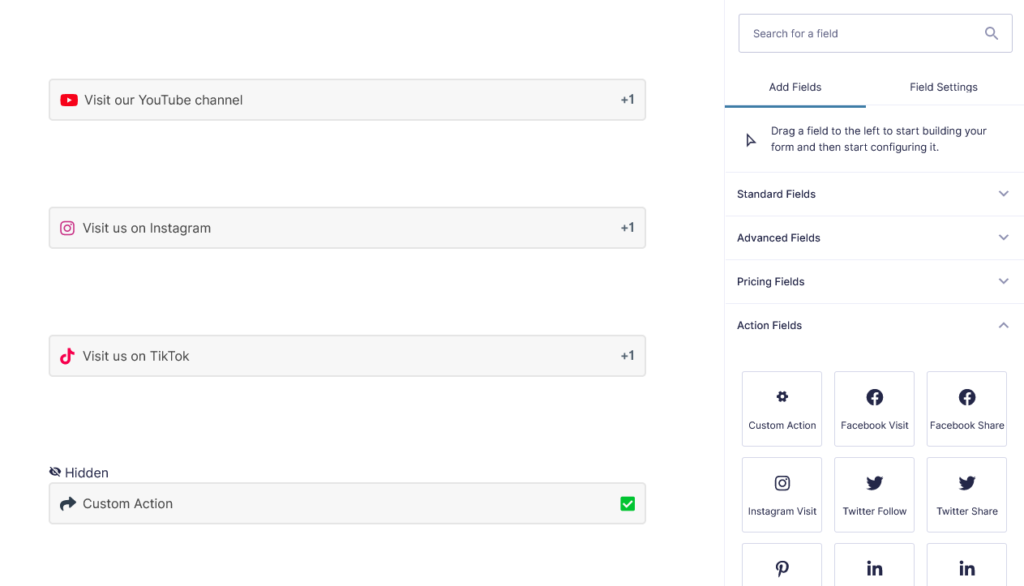
- From the Action Fields click or drag and drop to add a Custom Action.
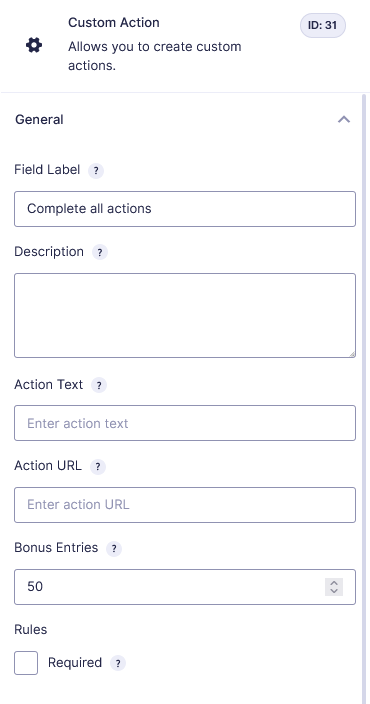
- Enter the Bonus Entries you want to reward and leave the Action URL empty.
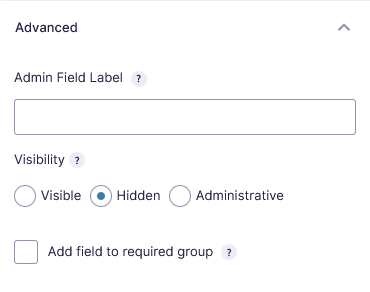
- In the Advanced tab set the Visibility to Hidden to hide the action field.
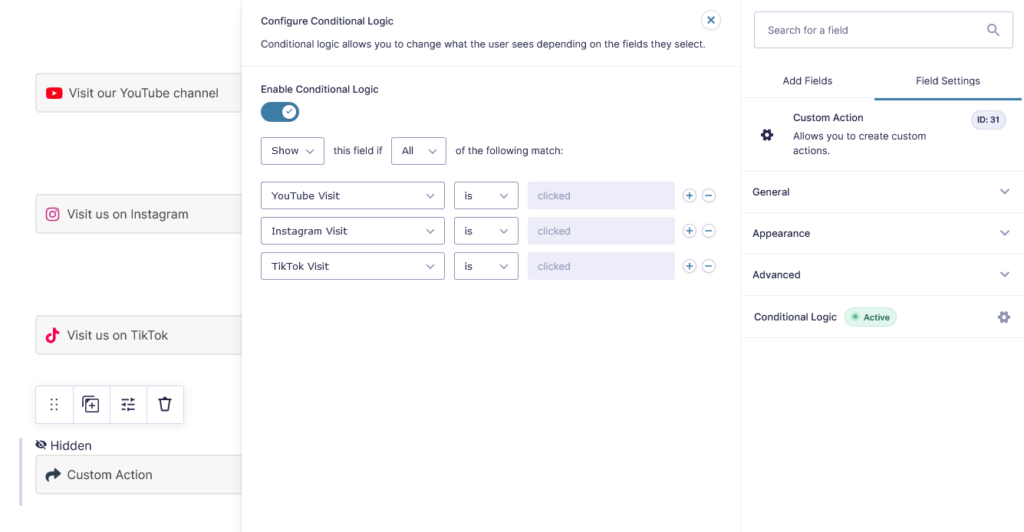
- Enable Conditional Logic and set the rules to Show this action field if all the actions are clicked.